
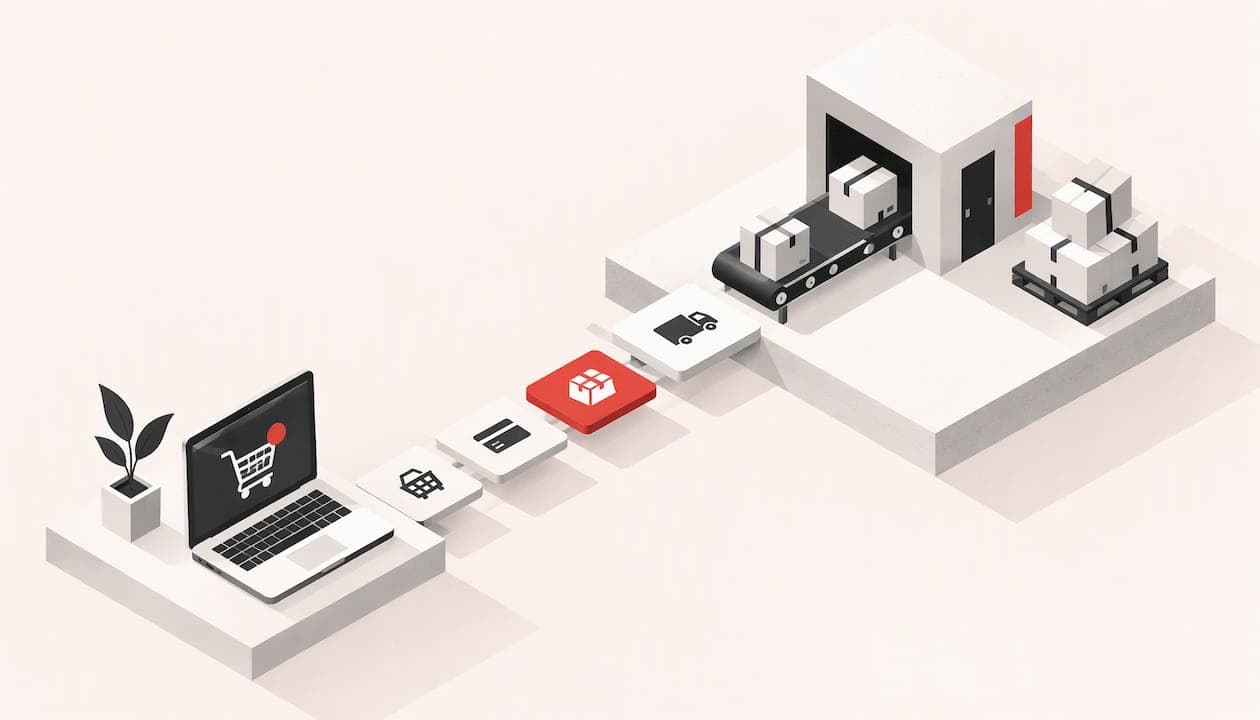
An order management system (OMS) is the software that follows each customer order from the moment it is placed to delivery, returns and refunds. It decides where an order is fulfilled from, keeps stock figures honest and tells the customer what is happening. For a small online shop, the real question is rarely "which enterprise OMS should I buy?" but "how much of this do I need, and where should it live?" This guide answers both.
TL;DR
- An OMS manages the life of each order: capture, payment, picking, shipping, returns and customer updates.
- Inventory management is a different job: it tracks stock levels, locations and reordering. The two must share data, or you oversell.
- Most small shops need order and stock handling built into their shop platform, not a separate enterprise system.
- A custom system only makes sense when your workflow is genuinely unusual, such as made-to-order products, bespoke delivery rules or several older systems to join up.
- Pilot with real orders, decide which system is the "source of truth" for stock, and add complexity only when volume demands it.
Table of Contents
- What an order management system actually does
- Order management versus inventory management
- Features worth having in an order management system
- Integration: how the pieces connect
- Do you need a separate system, or is your shop platform enough?
- When a custom order management system makes sense
- Our perspective
- What we can build for you
- How to choose: a short checklist
- FAQ
- Sources
What an order management system actually does
Strip away the jargon and an OMS answers one question for every order: what happens next, and who is responsible for it? One SAP guide describes the order lifecycle as running from placement and inventory checks through shipping, delivery, returns and after-sale support.
The Salesforce learning material describes the same flow in plainer stages: capture (the customer submits the order and payment is authorised), fulfilment (the order is assigned to wherever it will be prepared), delivery (the parcel goes to the carrier and payment is captured) and service (cancellations, returns, refunds and reshipments).
For a small shop, that translates into a daily routine you probably already do by hand:
- An order arrives and the payment is confirmed.
- You check you actually have the item.
- You print a packing note and an address label.
- You hand the parcel to a courier and send the tracking number.
- If something goes wrong, you deal with the failed delivery, the return or the refund.
An OMS automates, records and connects those steps. The more orders you take, the more those manual steps turn into mistakes, late dispatches and emails asking "where is my parcel?"
How an order moves through the system
In a typical ecommerce flow, the shop front end takes the order and the payment. The OMS then receives it, confirms the stock, picks a fulfilment location, creates the pick list and label, and posts tracking details back to the customer. Vendor documentation for one commerce platform describes daily processing as confirmation or cancellation, invoicing and packing, then manifesting and dispatch, with support for bulk orders and split shipments. It also documents the awkward branches: a failed delivery, a reassignment or a cancellation, and returns that involve collection, quality checks and refunds.
Those awkward branches are where a spreadsheet stops coping. Nobody forgets a normal order. People forget the half-refunded one, the parcel that bounced back, or the customer who changed the delivery address after payment.
Order management versus inventory management
The two terms are often used as if they were one, and the search results are full of tools that bundle them. They solve different problems.
- Order management is about the individual customer order after purchase: payment, routing, fulfilment, delivery, status updates and returns.
- Inventory management is about stock: how much you hold, where it sits, when to reorder, how long suppliers take and what you can promise to sell next week.
They depend on each other. An order should automatically reduce the stock available, and the stock figure decides whether the next order can be accepted. When the link breaks, you get the two most common complaints in small ecommerce: selling something you do not have, and showing "out of stock" on something sitting on your shelf.
Common stock errors and what causes them
Most stock problems in small shops come from a handful of causes:
- Stock counted in two places. You sell on your own website and on a marketplace, and each keeps its own count. One sale does not update the other.
- Manual updates. Someone adjusts the number after a delivery arrives or a return is restocked, and sometimes forgets.
- Returns not booked back in. The item is back on the shelf but the system still thinks it is gone.
- Variants treated as one product. A T-shirt in four sizes and three colours is twelve stock lines, not one.
- Pre-orders and made-to-order items mixed in with ready stock, so the shop promises dates it cannot meet.
None of these needs an enterprise OMS. They need one agreed place where stock lives, and every sales channel reading from it. That is why the first decision is not software but ownership of the data: choose the single system that holds the truth about stock and orders, and make everything else follow it.
Features worth having in an order management system
A TechTarget guide to OMS features lists the capabilities buyers should look for. Here they are, with what each means for a small UK shop.
| Feature | What it does | Does a small shop need it? |
|---|---|---|
| Real-time inventory integration | Keeps stock accurate across locations | Yes, from day one |
| Customer communications and tracking | Sends confirmations, dispatch emails and tracking | Yes, it cuts "where is my order?" emails |
| Automated order routing | Sends each order to the best place to fulfil it | Only with more than one stock location |
| Customisable workflows | Lets you set your own rules and statuses | Useful if you sell made-to-order or bespoke items |
| Flexible payment handling | Deals with deposits, part payments, refunds | Yes, especially for deposits and refunds |
| Returns management | Tracks returns, inspections and refunds | Yes, it is a legal and customer-service matter |
| Multi-channel integration | Pulls orders from website, marketplaces and others | When you sell in more than one place |
| Reporting and analytics | Shows sales, fulfilment times, return rates | Basic reports, yes; advanced ones later |
| Scalability | Handles growth without a rebuild | Reasonable headroom, not a ten-year plan |
The same guidance implies you should pick the capabilities that match what you do now and leave room for sensible growth. Automated routing between warehouses is a good feature, but if your stock sits in a spare room, it is solving a problem you do not have. TechTarget notes that routing can weigh proximity, stock availability and shipping costs, which matters once you have several sites or a fulfilment partner.
Integration: how the pieces connect
A shop rarely runs on a single product. You have the website, a payment provider, a courier service, perhaps accounting software and a marketplace listing. The OMS sits in the middle, so integration is where projects succeed or fail.
Technical guidance from Amazon Web Services on distributed order management shows the general pattern. The OMS receives product, inventory and ecommerce-order data from other applications, sends orders on to fulfilment applications and receives shipment confirmations back. The connections use file transfers, APIs, event-driven messages or streaming, depending on how quickly the data needs to move.
You do not need to build on a cloud platform to take the lesson. For each connection, ask three questions:
- Which direction does the data flow? Orders in, stock levels out, tracking numbers back.
- How fast does it need to be? Stock levels should update within seconds or minutes. Accounting summaries can wait until the evening.
- What happens when it fails? A good integration queues the failed message and alerts someone. A bad one silently drops the order.
Before you sign for any package, ask the provider to show you what happens when a courier's system is down or a payment is declined after the order is created. If you are weighing a move to a different platform at the same time, our guide to ecommerce platform migration for small UK shops covers how to move products, customers and order history without losing them.
Do you need a separate system, or is your shop platform enough?
For many small UK shops, the honest answer is that the order screen and stock tools in the shop platform are enough. A separate OMS earns its place when one or more of these is true:
- You sell through several channels (your website, marketplaces, trade customers) and cannot keep stock in step by hand.
- You fulfil from more than one location, or use an outside fulfilment partner.
- Orders have unusual stages, such as customisation, approval, deposits or installation.
- You are spending more time moving data between systems than packing parcels.
If none of those applies, spend the money on a clean shop build, reliable hosting and tidy product data first. That fixes more problems than another subscription.
Starting small: pilot before you commit
Whatever you choose, avoid switching everything at once. A sensible approach, echoed in Fulfill.com's guidance for choosing an OMS, is to decide which system is the source of truth for orders, stock and finances, then pilot one sales channel and one fulfilment route with real orders before expanding. Run the old process alongside for a week or two, compare the numbers daily and only then cut over.
When a custom order management system makes sense
Packaged software expresses the common way of selling. A custom system is worth considering when your difference is the workflow itself. Examples we see in small businesses:
- Made-to-order or configurable products, where each order needs a specification, a quote and an approval before production.
- Local delivery with your own rules, such as postcode-based slots, your own van routes or collection from a workshop.
- Trade and retail together, with different prices, credit terms and invoicing on the same stock.
- Several older systems (a till, a spreadsheet, an accounting package) that you want to join up rather than replace.
- Service plus product, such as supply and fit, where the order creates a booking as well as a parcel.
A well-built custom system is usually modest: the order, the stock, the statuses and the messages your customers actually need. It is not a copy of an enterprise platform. Design it around the stages of an order, with clear rules for who can change what, and keep the connections to your shop, payments and courier simple and documented.
The risk is building more than you need. Write down your current process, mark where it hurts, and build only for those points. Anything else can be added later.
Our perspective
We build websites and online shops for small businesses and tradespeople, and the order management question comes up constantly, usually in disguise. A shop owner says the site "keeps overselling" or "the orders are a mess", and the cause turns out to be two things: stock held in more than one place, and a process that lives in someone's head.

Our view is that most small shops should solve this in the order the problems appear. First, a shop build with proper order, stock and customer management and secure payment processing, which is what we build into our e-commerce work. Second, a clear routine for returns and stock corrections. Only third, and only if the shop outgrows that, a bespoke system or a dedicated OMS connected to it.
We are wary of selling complexity. Any quote we give is itemised and explained in plain English, and you speak directly to the developer doing the work, so if a custom tool is not worth the money, you will hear that from the person who would otherwise build it. And because we also provide ongoing care covering hosting, updates and support, we see what happens to a system after launch, which is why we favour fewer moving parts.
— Matt Ratcliff
What we can build for you
If you are starting a shop or fixing one that struggles with orders and stock, we offer several routes, all with published starting prices:
- The E-Commerce Website Package starts from £699 one-off.
- Our full E-Commerce Websites service starts from £2,495 one-off and covers secure payment processing, customer management, and inventory and order management.
- Ongoing E-Commerce Care starts from £79 per month and covers hosting, updates and support.
See the website packages and care plans for what each includes, or look at our e-commerce websites for a full online shop. If your process needs something bespoke, such as booking, enquiry or order tools that fit how you work, our custom business systems page explains how we approach it. Custom work is quoted individually after we understand what you do.
How to choose: a short checklist
Before you commit to any system, custom or off the shelf, work through this list.
- Map your current process. Write each step from order to delivery to return, and note where errors occur.
- Count your channels and locations. One website and one shelf is a different problem from three marketplaces and a unit.
- Choose the source of truth. One system owns stock. The rest read from it.
- List the integrations you must have. Payments, courier labels, accounting, email.
- Check the failure behaviour. What happens when something does not sync?
- Price the full year. Include subscription, per-order fees, setup, support and the time you spend on it.
- Test with real orders. Include a return, a cancellation and an out-of-stock item.
- Plan for who maintains it. Software needs updates and hosting. Decide who handles that before launch.
With one website, a few hundred products and a single dispatch point, you will probably finish this list and conclude that a well-configured shop is enough. That is a perfectly good outcome.
FAQ
What does an order management system do?
It tracks each customer order from placement to delivery and beyond. That includes confirming payment, checking stock, choosing where to fulfil from, producing labels and sending tracking updates. It also handles cancellations, returns and refunds.
What is the difference between order management and inventory management?
Order management follows individual customer orders after purchase. Inventory management tracks how much stock you hold, where it is and when to reorder. They need to share data so an order reduces available stock and the stock level decides what you can sell.
Do I need an order management system for a small online shop?
Not always. A shop with one sales channel and one place where stock is kept can usually manage with the order and stock tools built into a well-configured shop. A separate system becomes worthwhile when you sell across several channels, fulfil from several locations or have unusual order stages.
When is a custom order management system worth it?
When your workflow is part of what makes your business different, and packaged software cannot express it. Made-to-order products, bespoke delivery rules and several older systems that need joining up are typical cases. Start from the points where your current process fails and build only for those.
How do I stop overselling?
Keep stock in one place and make every sales channel read from it, updating after each sale and each return. Treat variants such as sizes and colours as separate stock lines. Pilot any change with real orders before switching over fully.
Sources
- A guide to order management (SAP)
- Salesforce Order Lifecycle Management (Trailhead)
- Order Management Overview (Fynd documentation)
- 9 features to look for in an OMS (TechTarget)
- Guidance for Distributed Order Management on AWS
- Ecommerce Order Management Software: How to Choose an OMS (Fulfill.com)